
Top Canva template services compared: marketplaces, Canva, and custom design
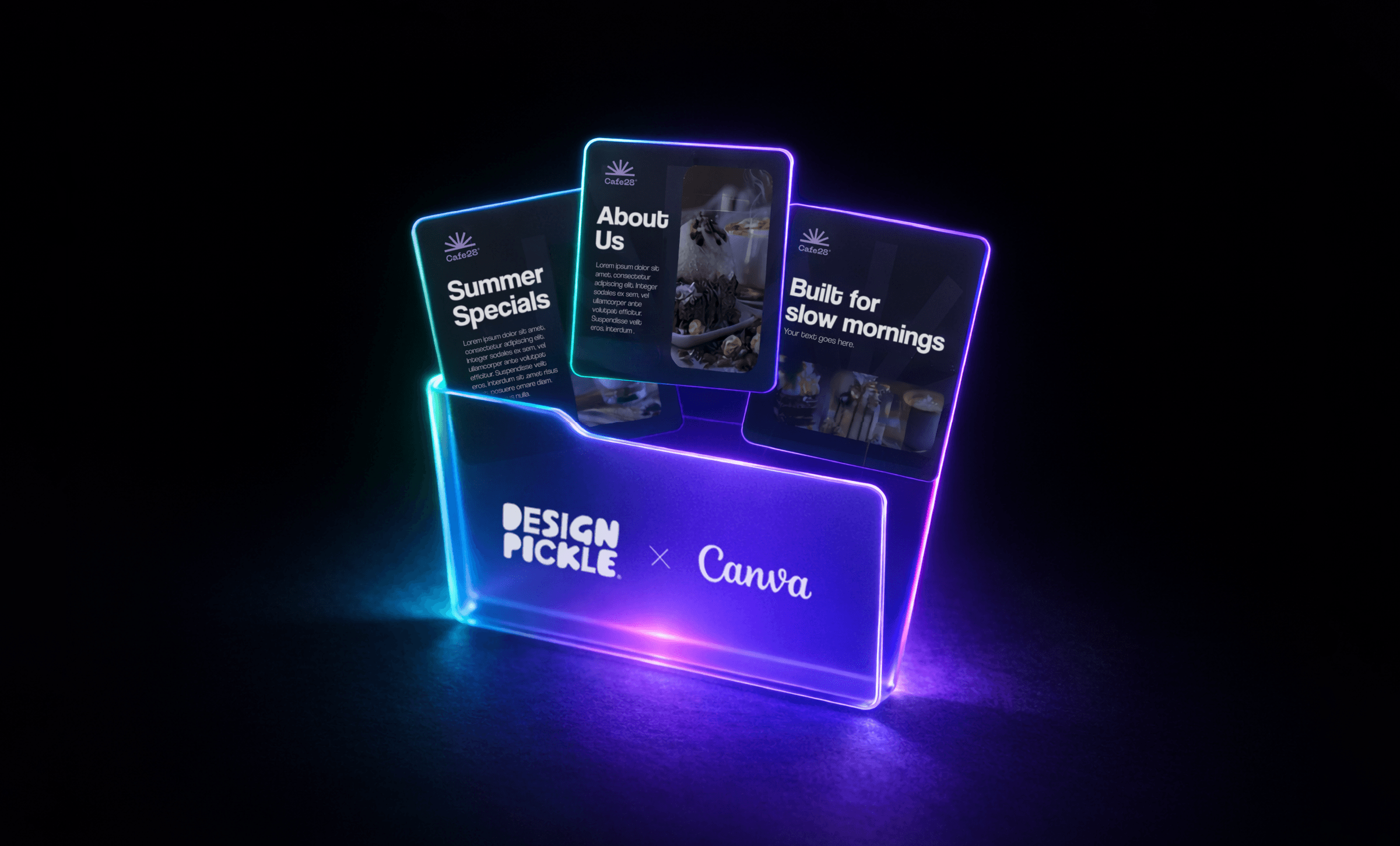
Tools like Canva have made it dramatically easier to create those assets without relying entirely on designers. Templates, in particular, have become a popular starting point. They help teams move quickly, publish consistently, and keep production moving.
But not all Canva template solutions work the same way. Some platforms offer large marketplaces filled with pre‑made designs. Others provide templates directly inside the design tool. And some services, like Design Pickle, create custom Canva templates tailored to your brand.
In this guide, we’ll break down the three most common ways teams access Canva templates, where each approach works best, and when growing marketing teams may need a more structured design workflow.
Template marketplaces are platforms where independent designers create and sell Canva templates.
Instead of building designs from scratch, teams browse large libraries of pre‑made layouts and customize them with their own content. These marketplaces typically offer thousands of templates across categories like social media posts, presentations, ads, and marketing materials.
For teams that need something quickly, marketplaces can be a convenient starting point.
Popular Canva template marketplaces
- Creative Market
One of the largest marketplaces for digital design assets. Creative Market hosts thousands of Canva templates created by independent designers across industries and styles. - Etsy
Etsy has become a popular place to find niche Canva templates, particularly for small businesses, creators, and personal brands. - Envato Elements
Envato offers a subscription‑based library of design assets, including Canva templates for marketing materials, presentations, and digital campaigns. - Template.net
Template.net focuses on business‑ready templates, including presentations, reports, proposals, and marketing documents. - Sellfy (Creator storefronts)
Platforms like Sellfy enable designers to sell Canva templates directly to customers through their own storefronts. Many independent creators use Sellfy to distribute niche template packs for social media, branding kits, and marketing assets.
Best use case for marketplaces
Template marketplaces work well when teams need quick design solutions without investing in custom design.
They’re commonly used by:
- Freelancers
- Small businesses
- Startups with limited design resources
- Teams that are creating occasional marketing assets
Canva itself provides a massive built-in library of templates directly inside the design platform.
Because these templates are integrated into the editor, users can search, select, and customize designs without leaving the tool. This makes it easy for non‑designers to create polished visuals quickly.
Templates are available across dozens of categories, including:
- Social media graphics
- Presentations
- Marketing materials
- Ads and promotional content
- Documents and reports
For teams that regularly create content, Canva’s internal template library can significantly simplify the design process.
Best use case for Canva templates
Built‑in Canva templates work best for:
- Quick social media graphics
- Internal presentations
- One‑off marketing materials
- Teams without dedicated design support
Instead of choosing from libraries of pre‑made templates, some organizations work with designers to create custom Canva templates tailored to their brand. This approach focuses on building a reusable template system rather than searching for individual designs.
Templates are created based on brand guidelines, visual identity, and content needs. Over time, this builds a library of templates that teams can reuse across campaigns.
Common providers
- Freelance designers
Freelancers can create Canva templates for specific campaigns or projects. This works well for short‑term needs. - Design agencies
Agencies may develop template systems as part of branding or marketing engagements. - Design Pickle
Design Pickle provides subscription‑based design services, with professional designers creating custom Canva templates tailored to your brand and content needs (included on any creative service plan).
Best use case for design services
Design services are typically used by:
- Growing marketing teams
- Brands producing content regularly
- Organizations that require a consistent visual identity across channels
Instead of constantly searching for templates, teams build a reusable system that supports ongoing content production.
Design Pickle takes a different approach to Canva templates. Instead of browsing marketplaces or relying on generic layouts, teams receive custom Canva templates tailored to their brand.
Design Pickle designers create templates based on:
- Brand guidelines
- Visual identity
- Campaign needs
Over time, this builds a consistent library of reusable templates that marketing teams can easily adapt inside Canva. This approach combines Canva’s flexibility for editing and publishing with Design Pickle’s design expertise for creating brand-aligned assets.
The result is a workflow that enables teams to create content quickly while maintaining consistent branding across campaigns.
Let's compare:
| Factor | Other template platforms | Design Pickle |
| Pricing model | One‑time purchases or template subscriptions | Design subscription with ongoing creative support |
| What you're paying for | Access to template libraries | Design production customized for your brand and specific needs |
| Quality | Varies by template creator | Team of designers references your brand and specific instructions with quality checks to ensure consistency |
| Flexibility | Limited to template structure | Designs created around your use case |
| Customization | Requires editing and adjustments | Request what you want, revise what you want, as much as you want |
| Time investment | Time spent searching and adapting templates | Spend time spent submitting requests and reviewing outcomes |
| Consistency | Harder to maintain across campaigns | Design team references brand and previous/approved work so you get in a flow |
The right approach depends on your team’s size, content volume, and the level of control you need over your brand.
| Use case | Best option | Why it works |
| Freelancers and small budgets | Pre‑made templates | Quick access and low upfront cost |
| Growing marketing teams | Design Pickle custom templates | Improves consistency while reducing time spent managing templates |
| Enterprises and high‑volume teams | Design Pickle | Supports large‑scale content production with a repeatable design system |
Quick decision checklist
If these situations sound familiar, your team may benefit from a more structured design approach:
- Your team spends significant time searching for templates.
- Designs feel inconsistent across channels.
- You’re producing content regularly rather than occasionally.
When marketing output grows, having a repeatable design system can make a major difference.
Canva templates make design accessible to almost anyone on a team. Marketplaces provide variety, built-in libraries provide convenience, and design services provide customization.
Each option serves a different stage of growth.
For teams that produce content regularly, building a consistent template system can significantly ease creative workflows.
Design Pickle helps teams create those systems by designing custom Canva templates tailored to your brand and ready to use across campaigns.